 CleanTable
HTML table to CSV that Excel opens correctly
A CSV is only as good as its encoding and separator. CleanTable writes UTF-8 with a BOM and picks the right delimiter for your locale.
- Free, no row limit
- Runs locally
- Chrome & Edge
Two ways to get CSV
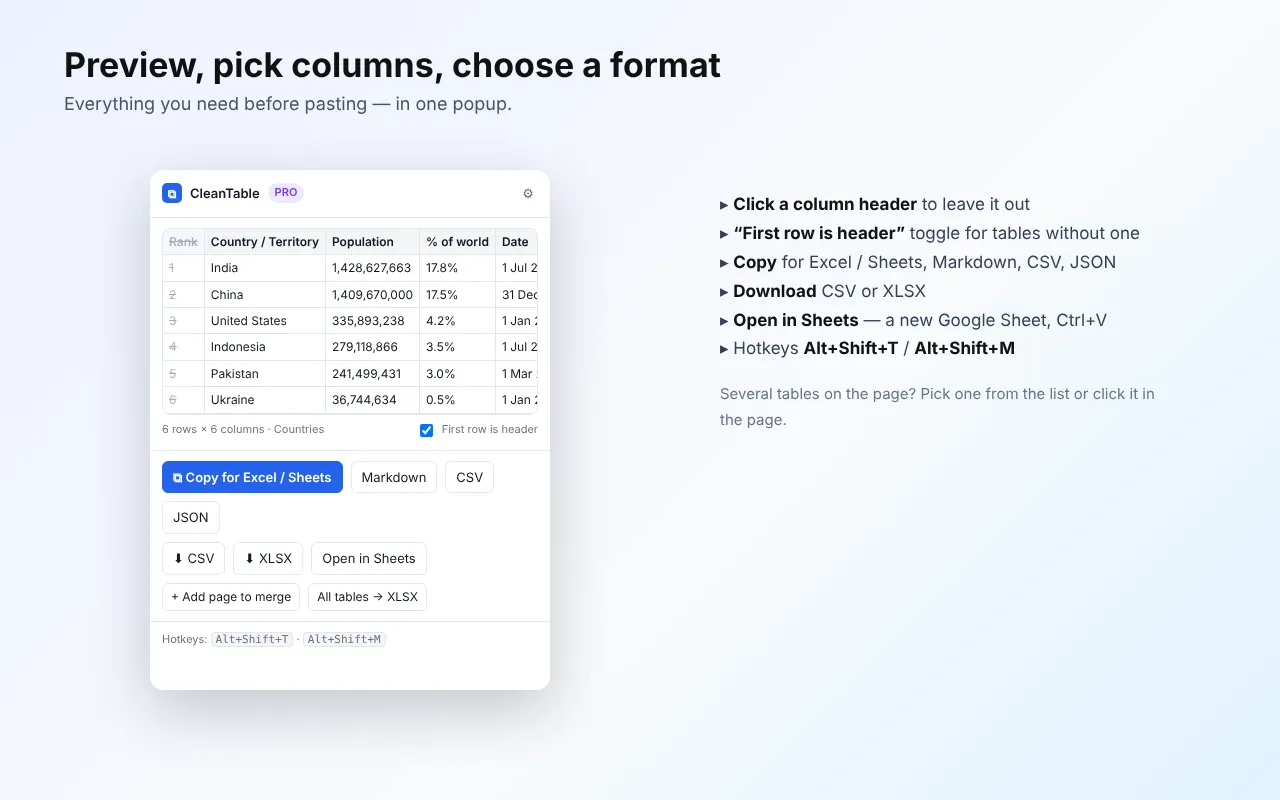
- Copy as CSV — puts CSV text on the clipboard (right-click → CleanTable → Copy as CSV).
- Download CSV — saves a
.csvfile from the same menu or from the popup.
Both are free and have no row limit.
Why CSV files break in Excel
- Encoding. Most tools write UTF-8. Excel on Windows, when you double-click a CSV, may read it as an old ANSI code page, so
КиївbecomesРљРёС—РІ. A BOM (three bytes at the start of the file) tells Excel to use UTF-8. CleanTable always adds it. - Separator. In locales where the comma is the decimal mark (Ukrainian, Russian, Polish, German and others), Excel expects a semicolon. CleanTable uses
;for those locales and,otherwise. - Quoting. Cells that contain separators, quotes or line breaks are quoted correctly, so a cell like
Smith, Johnstays in one column.
If a CSV still looks wrong
In Excel use Data → From Text/CSV, choose 65001: Unicode (UTF-8) and set the delimiter by hand. Or open the file in Google Sheets (File → Import) and download as XLSX.
CSV, TSV, Markdown or JSON?
| Need | Format |
|---|---|
| Paste into Excel or Sheets | Copy table (tab-separated + HTML) |
| Send as a file, import into a database | CSV |
| Documentation, README, Notion, AI chat | Markdown |
| Code, APIs | JSON |
Frequently asked questions
Why does the file use semicolons?
For comma-decimal locales Excel expects `;` as the list separator. If you need commas, use Copy table and paste into a spreadsheet, or convert in your spreadsheet’s import dialog.
Is the CSV export free?
Yes: Copy as CSV and Download CSV are free for a single table with no row limit. All tables of a page in one XLSX is Pro.
Does CleanTable add a BOM to every CSV?
Yes, UTF-8 with BOM, so non-English text opens correctly in Excel.
Related
Copy your next table the clean way
Free for single tables, no row limit, no account. Pro is a one-time payment.
Add to Chrome — it’s free